The waitlist is open
RememberTogether
Send a PING to a friend, partner, family member, or flatmate. It lands on their lock screen; when they tap Done, you see that it’s complete.
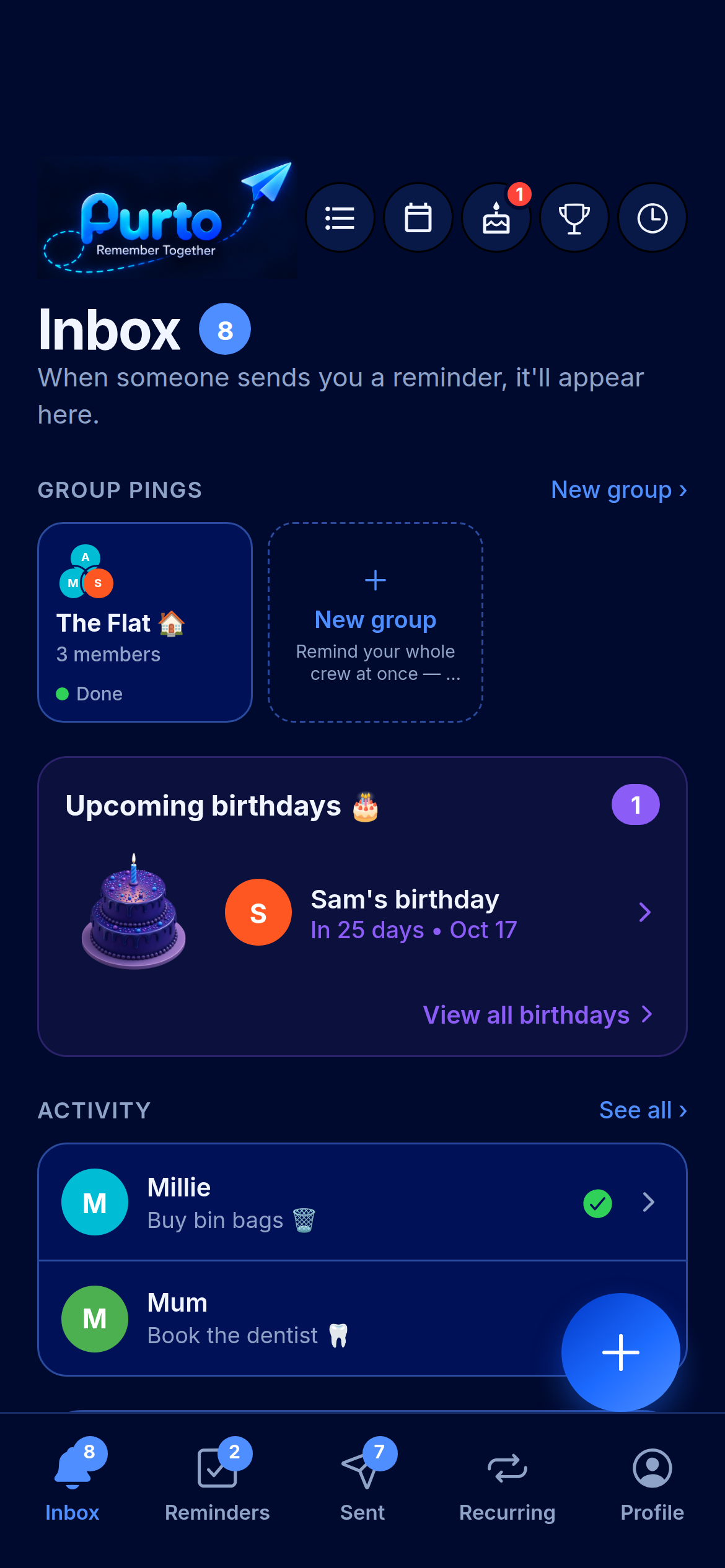
Send a PING to a friend, partner, family member, or flatmate. It lands on their lock screen; when they tap Done, you see that it’s complete.
Keep small promises and plans moving between the people in your life.
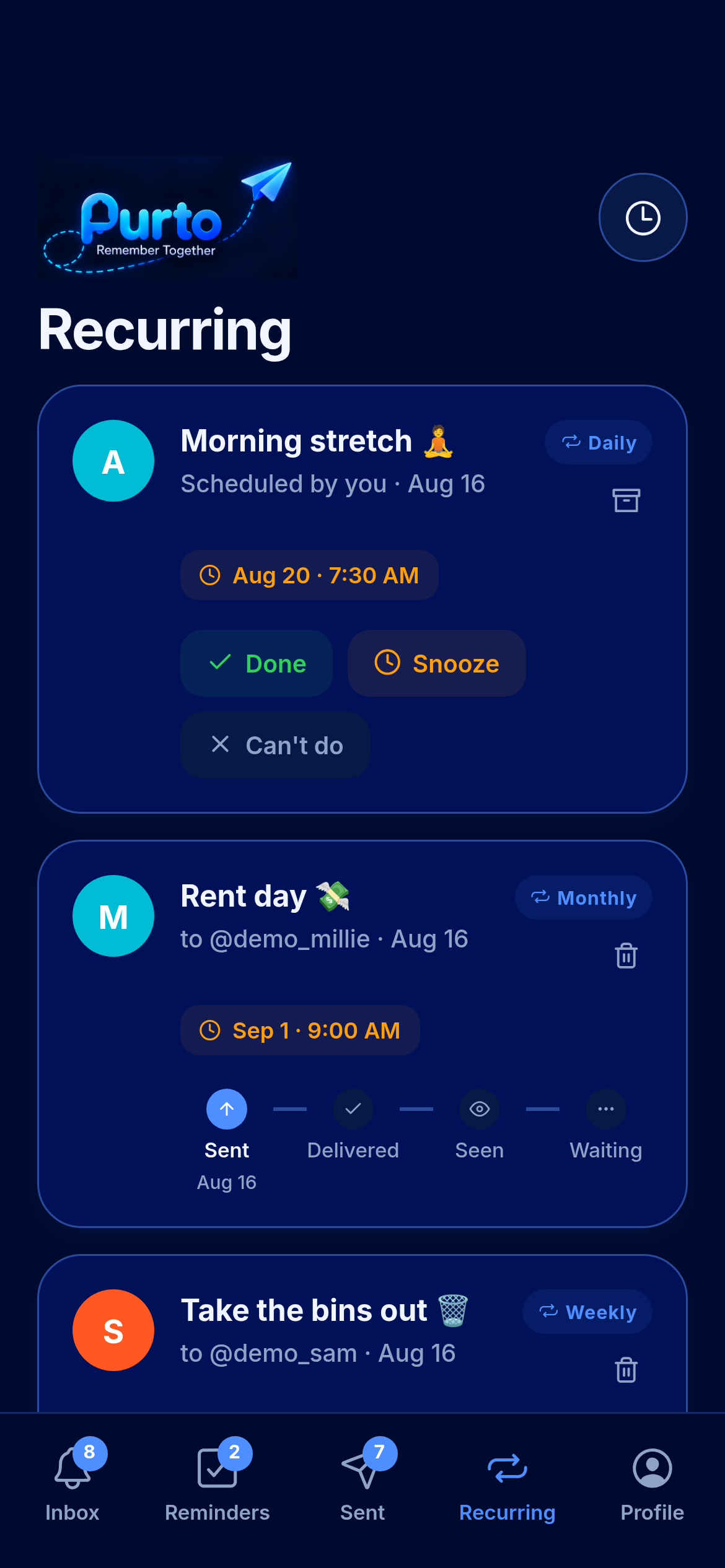
Set a PING to repeat daily, weekly, or monthly. See the schedule on its card, and stop it with one tap.
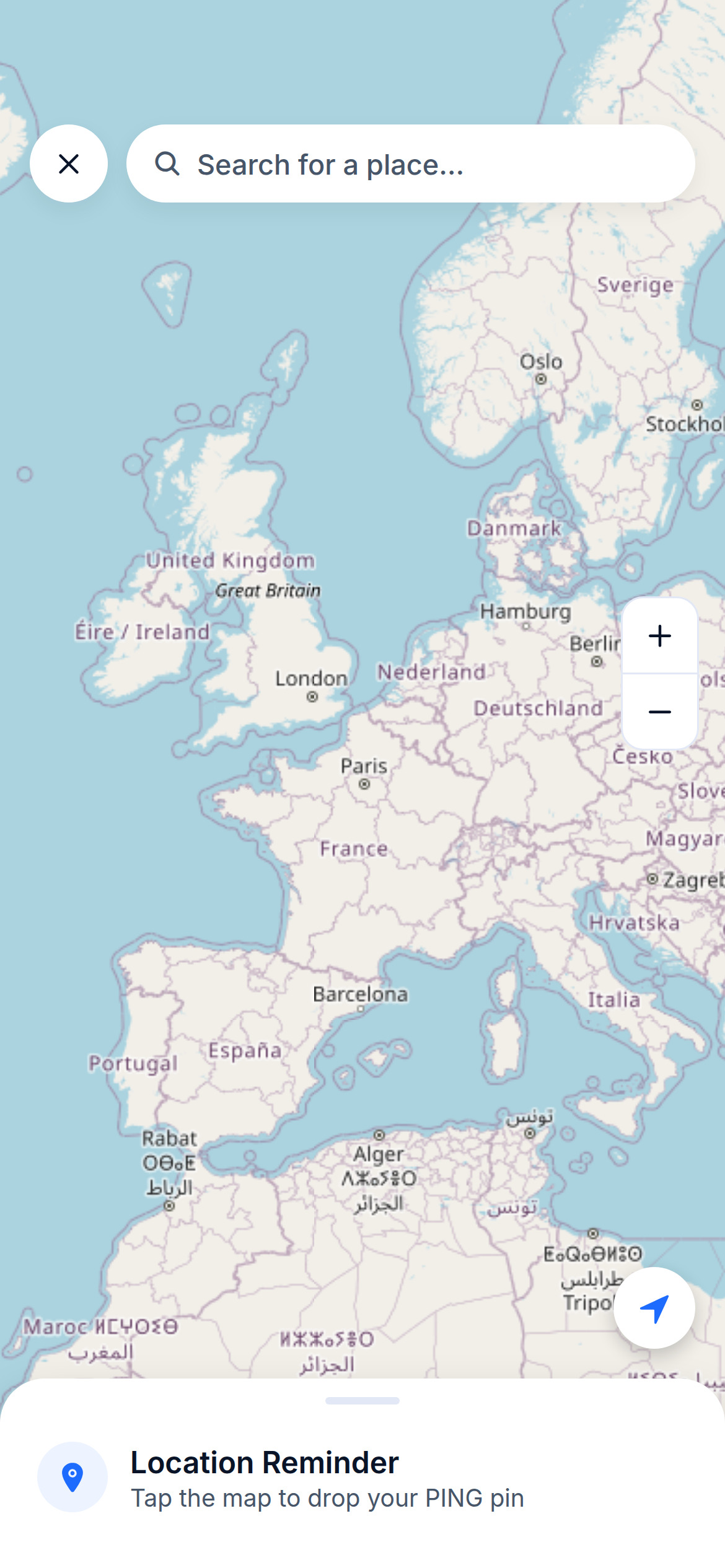
Choose a place and ask Purto to nudge someone when they arrive or leave.
Purto never shares live locations — the sender only learns when the place trigger is reached.
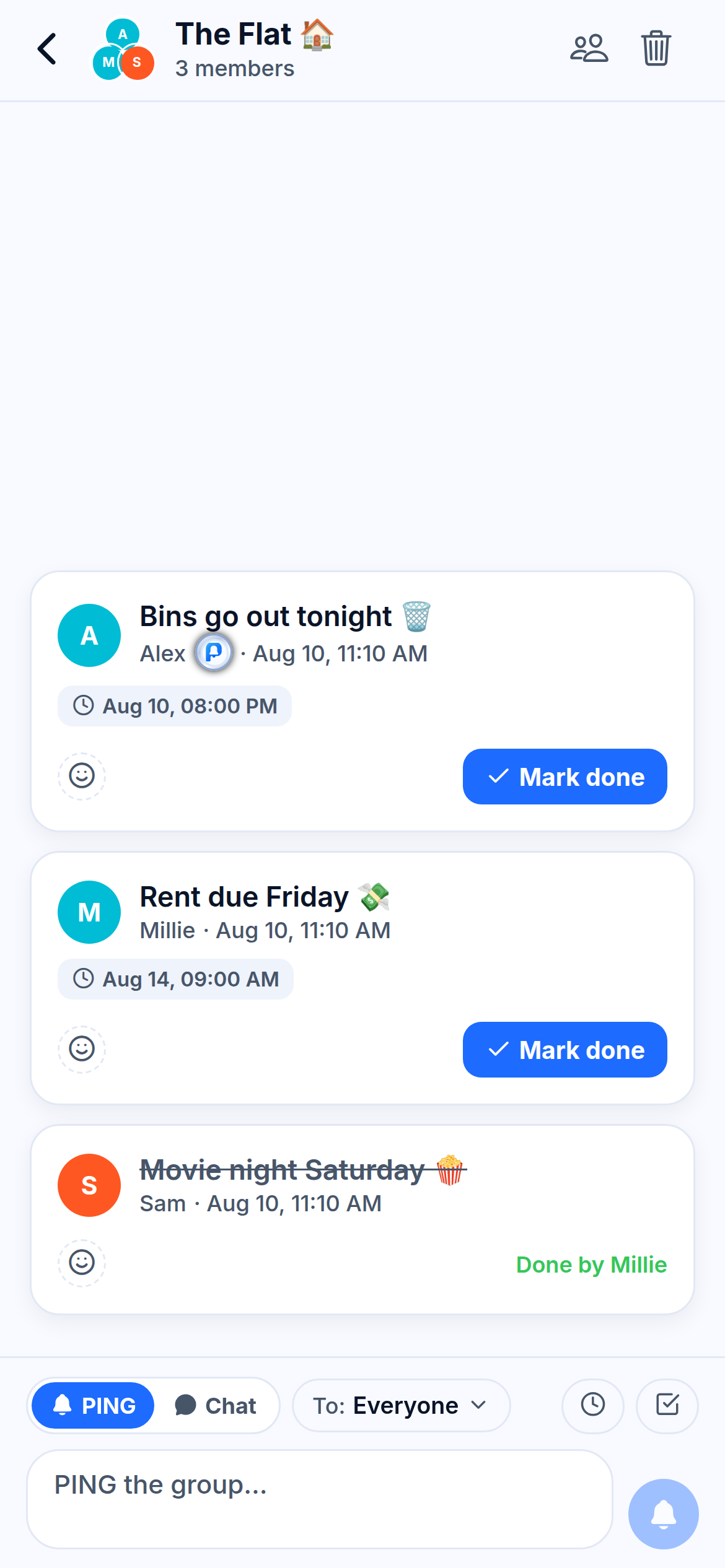
Share a PING with a room of flatmates or family, then see each person’s response together.
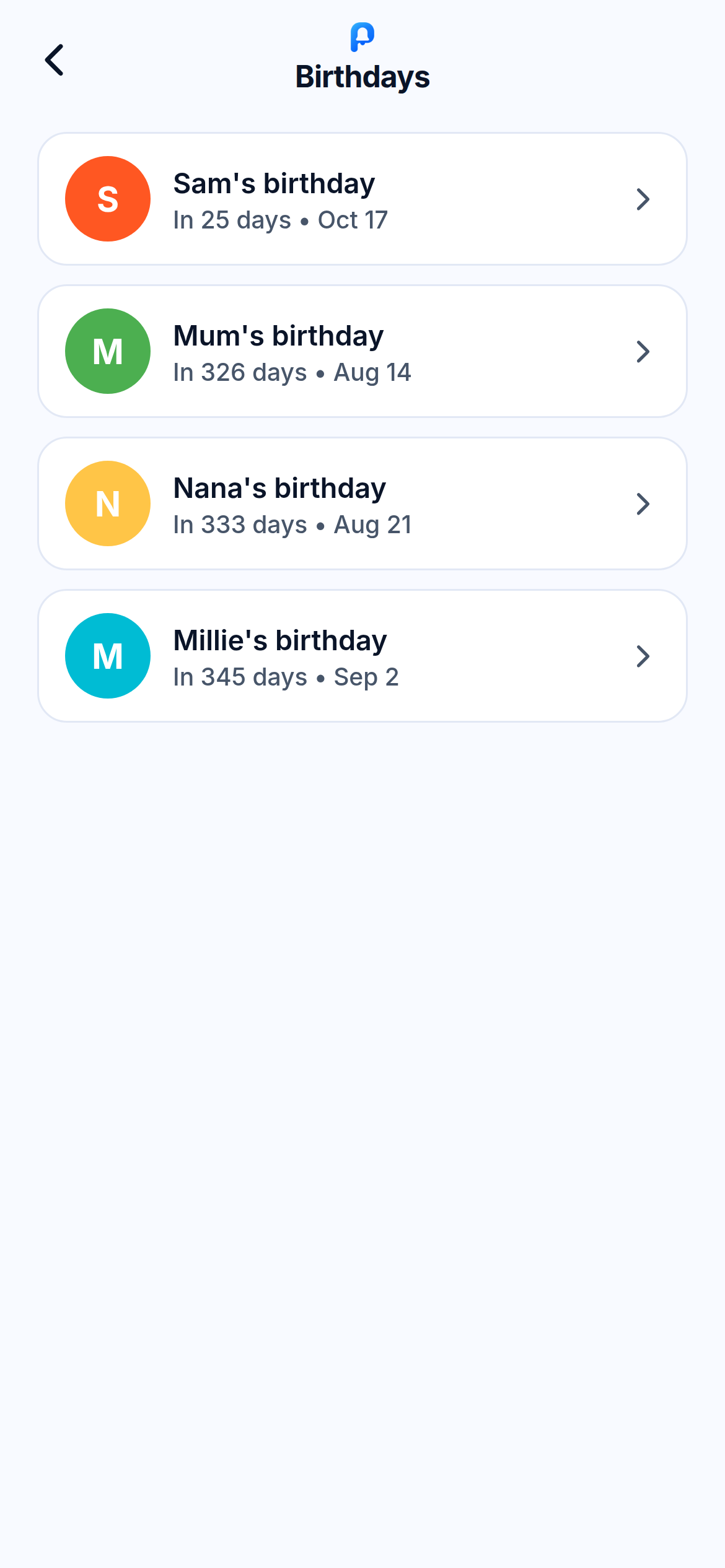
See upcoming birthdays and get a nudge before the day, so you have time to make a plan.
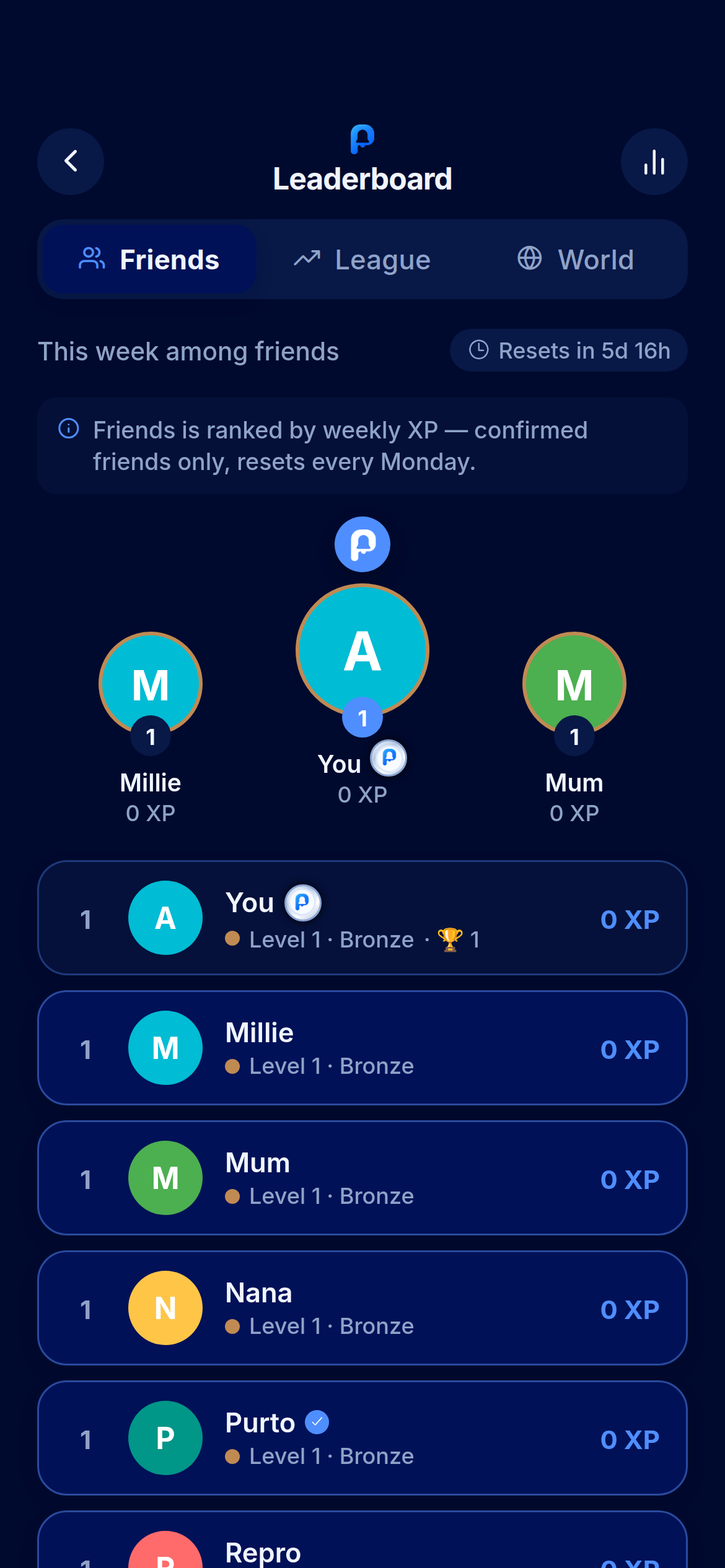
Earn XP for PINGs you complete and see the weekly leaderboard among friends. Competition is optional; reminders work without it.
Helpful extras for the lists, details, and moments you share.
Shopping lists and checklists you can both tick off.
Add a photo or a quick voice note for extra context.
A monthly recap of what you and your people got done together.
Pick a person, type the thing, add a time if it matters.
It lands on their lock screen like a text from you — not another app shouting.
You see the confirmation when they mark the PING complete.
Get one Purto launch note after you confirm your email. No other waitlist marketing emails.
Join the waitlist